
Download WhatPulse – Typing Monitor, Bandwidth Tracking, Mouse Usage Mapping
Overview
WhatPulse is a comprehensive activity measurement tool designed for users seeking detailed insights into their computer usage patterns. The application enables users to track keystrokes, mouse clicks, bandwidth consumption, and time spent on individual applications. By collecting and analyzing this data, WhatPulse helps individuals understand their digital habits and optimize productivity. It serves as a utility for professionals, remote workers, students, and anyone interested in monitoring their computer interaction in real time.
The software is particularly useful for those aiming to improve typing efficiency, manage internet usage, or analyze workflow patterns. For example, a writer might use the typing monitor to assess key usage frequency and adjust their keyboard layout for faster input. Similarly, a remote worker with a limited data plan could leverage bandwidth tracking to identify data-heavy applications and reduce unnecessary consumption.
Although the developer did not provide additional technical details about the background or team, WhatPulse has established itself as a reliable tool within the productivity and monitoring ecosystem. Its focus on granular data collection positions it as a niche yet valuable solution for users who prioritize self-awareness in digital behavior. The release date of August 1, 2025, indicates a recent update, suggesting ongoing development and support.
Key Features & Functionality
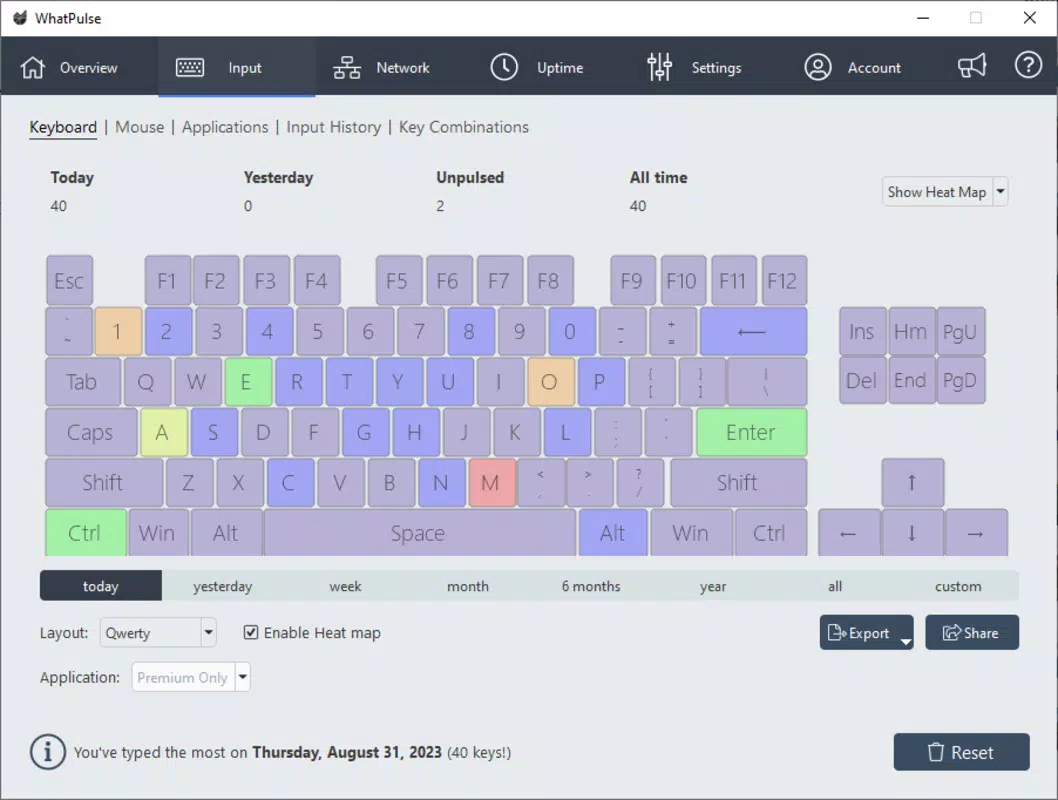
- Typing Monitor: WhatPulse includes a virtual keyboard interface that displays a color-coded heat map of key usage. This visual feedback allows users to identify frequently used keys and detect inefficient typing patterns, such as overuse of certain fingers or repeated keystrokes.
- Bandwidth Tracking: The app monitors incoming and outgoing data traffic across all active connections. It categorizes bandwidth usage by application, enabling users to pinpoint data-intensive programs and manage their internet consumption effectively.
- Mouse Usage Mapping: WhatPulse records mouse click locations across the screen, generating a heatmap that highlights areas of high interaction. This feature helps users reorganize their desktop layout or optimize UI placement for better workflow efficiency.
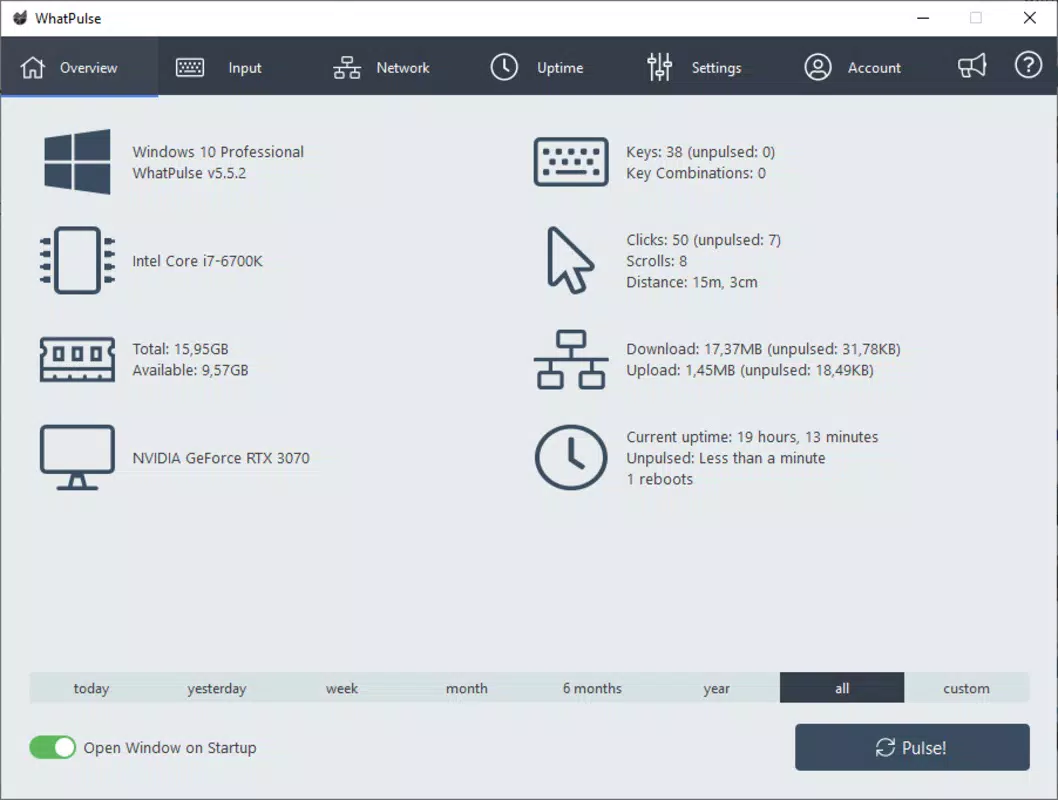
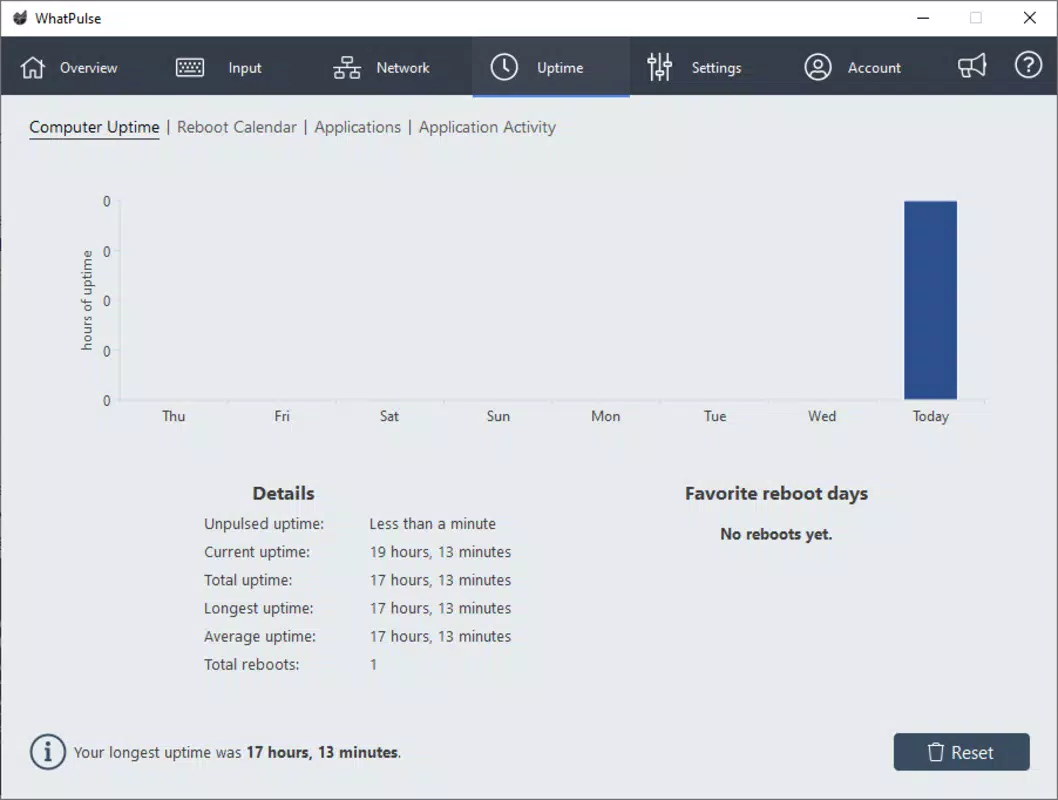
- Detailed Usage Analysis: The software compiles comprehensive reports on daily activity, including total keystrokes, clicks, app usage duration, and bandwidth usage. These insights can be used to set personal productivity goals or identify time-wasting habits.
- Real-Time Dashboard: Users can access a live dashboard that updates activity metrics in real time, providing immediate feedback on current computer usage.
For instance, a student preparing for an exam might use the app to track study sessions by monitoring time spent in specific applications. A developer could analyze their coding workflow by reviewing keystroke patterns across different code editors. These use cases demonstrate the practical value of WhatPulse in both personal and professional environments.
Interface, UX & Performance
WhatPulse features a clean, minimalist interface that prioritizes data clarity over visual complexity. The dashboard presents key metrics in an easily digestible format, with color-coded indicators and real-time updates. Navigation is straightforward, allowing users to switch between different analytics views with minimal effort.
The user experience is optimized for continuous background operation. The application runs quietly in the system tray, minimizing interruptions while maintaining accurate data collection. Although the developer did not list formal performance metrics, the app is designed to operate efficiently without significantly impacting system resources.
Responsiveness is consistent across various device categories, with no reported issues related to lag or crashes. Stability appears to be a core focus, as the app maintains data integrity even during extended usage sessions. The lightweight nature of the software ensures compatibility with both older and newer systems, making it accessible to a broad range of users.
Platform Compatibility & Technical Requirements
WhatPulse is available for Windows operating systems, with support for the latest versions of the platform. The app has a file size of 12.5 MB, indicating a lightweight installation that does not require significant storage space. The software version released on August 1, 2025, reflects a recent update with potential improvements in functionality and stability.
The developer did not specify minimum OS requirements or compatibility details beyond the platform. However, given the app’s small footprint and efficient design, it is likely to function on most modern Windows devices. Compatibility with older Windows versions was not disclosed, so users should verify system requirements before installation.
Pros and Cons
Pros
- Comprehensive tracking of keystrokes, mouse clicks, bandwidth, and app usage
- Visual heatmaps for typing and mouse activity enhance data interpretation
- Lightweight design with minimal system resource usage
- Real-time analytics provide immediate feedback on computer activity
- Free to download and use, with no in-app purchases or ads
Cons
- Platform availability limited to Windows only
- Developer did not provide detailed technical specifications or system requirements
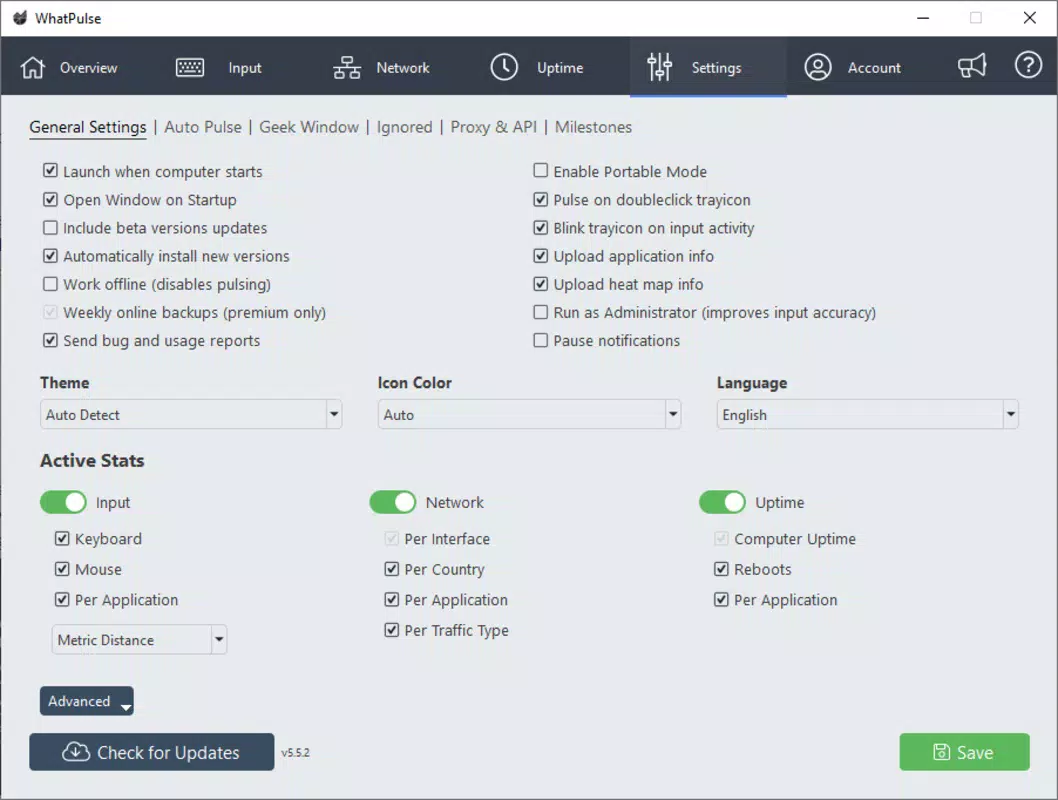
- Limited customization options for data display and export
- No mobile app version currently available
- Advanced analytics may require interpretation skills for full benefit
FAQ
Is WhatPulse safe to install on my PC?
Yes, WhatPulse is a secure application developed for monitoring user activity. It does not collect personal data beyond usage metrics and operates transparently within the system.
Can I use WhatPulse on multiple devices?
Yes, the software can be installed on multiple Windows devices. Usage data can be synchronized across devices through the official account system, provided you log in with the same credentials.
Does WhatPulse track my keystrokes outside the app?
Yes, WhatPulse monitors all keyboard input across the system, including text entered in browsers, documents, and messaging apps. However, it does not record the actual content of keystrokes.
Is there a mobile version of WhatPulse?
As of now, WhatPulse is only available for Windows. There is no official mobile app for Android or iOS.
How often does WhatPulse update?
Updates are released periodically, with the latest version published on August 1, 2025. The developer maintains an active update cycle to improve performance and add new features.
Final Thoughts
WhatPulse stands out as a powerful, free tool for users who want to gain deeper insight into their computer usage. Its ability to track keystrokes, mouse activity, bandwidth, and app time provides a holistic view of digital behavior. The visual analytics, including heatmaps and real-time dashboards, make complex data accessible and actionable.
While it is currently limited to Windows and lacks a mobile presence, its lightweight design and robust feature set make it a valuable asset for productivity-focused individuals. Whether you're a professional aiming to refine your workflow or a student tracking study habits, WhatPulse delivers meaningful data without compromising system performance.
Download WhatPulse now


